SiteView help
| SiteView help
|
A scheduled download entry is a system level task
that will automatically download a data logger at a specific time or regularly
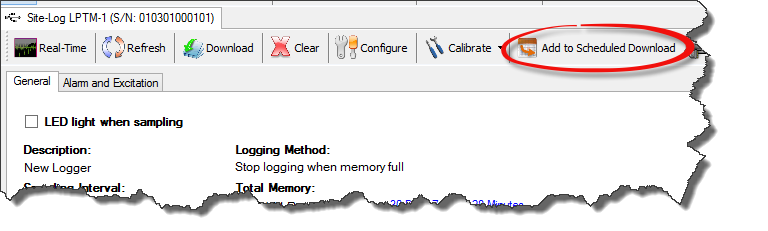
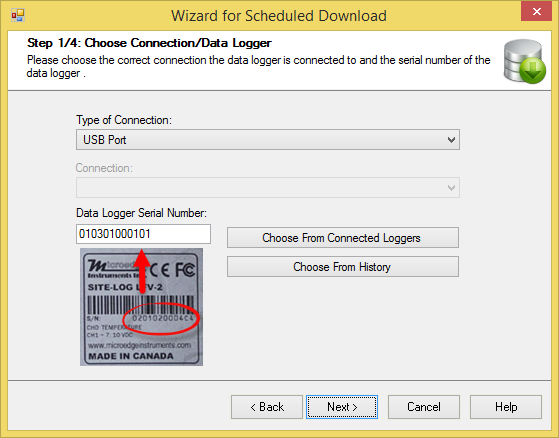
based on the download interval. To add a scheduled download entry: Click Next button to
continue. Click Next
button to continue. Choose a
time to download the logger. Choose either is regular download with a download
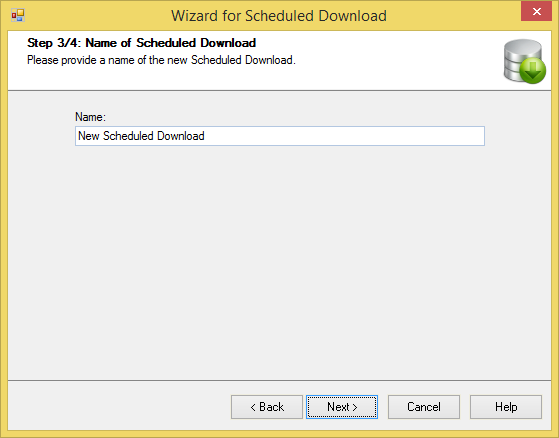
interval or a one time job. Then click Next button. Give a name of this entry
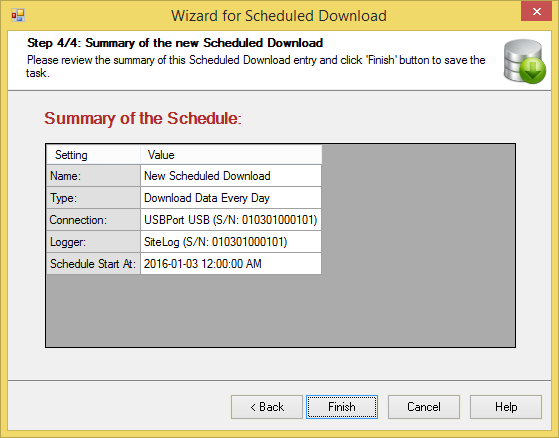
and click Next button. Review the summary of
the entry and click Finish button to add the entry to the system.